The word means nothing until you make it specific
"Business process automation" is a phrase people arrive at after months of a specific irritation: someone types the same order into three places, an approval sits in an inbox for two days, the same report is rebuilt by hand every Monday.
The irritation is useful. The phrase is not, because it invites a company-wide programme when what you need is to fix one thing and see whether it worked.
So this post is not a list of tools. It is the order to go in.
Start by following one document
Pick one thing that moves through your business — a customer order, a purchase, a job card, an invoice.
Follow it, physically, from the moment it appears to the moment it is closed. Write down every hand it passes through and every point where somebody:
- types information that already exists somewhere else
- checks something manually
- waits for a person to notice and respond
- prints something so that someone else can type it back in
Do this for one document, not five. It takes an afternoon and it produces a better requirements list than any workshop.
The seven that come up again and again
Across most Indian SMBs, the same handful of steps show up on that list.
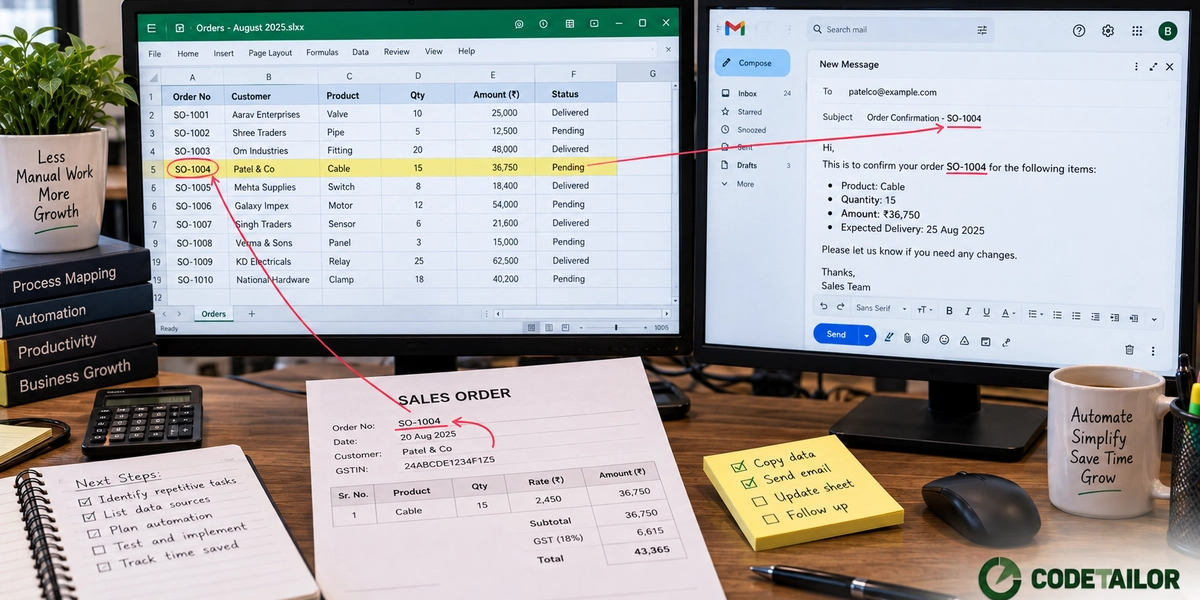
1. Data typed into two systems. An order entered in one place and again in accounts. Stock adjusted in the system and again in a register. This is the highest-return automation available because it removes work and removes an error class at the same time — the two copies can no longer disagree.
Usually it does not need new software, only for the systems you have to exchange data, which is what API-first thinking is about.
2. Approvals that live in inboxes. A discount, a purchase, a leave request, a payment. The work takes a minute and the waiting takes two days, because approval is an email that competes with every other email.
Moving these into something with a queue, a record and a reminder is a small change with a disproportionate effect on how fast the business feels.
3. Reports rebuilt by hand. Someone spends Monday morning assembling the same numbers from the same three places. If the inputs are already in systems, this is a scheduled job, not a person's morning.
The test for whether it is worth it: would anyone look at this report more often if it appeared without asking? Usually yes, and that is the actual benefit.
4. Follow-ups that depend on memory. Enquiries, quotations, payment reminders, service due dates. Anything where the cost of forgetting is a lost customer or a delayed collection.
If this is your worst step, what you need is a CRM rather than an automation project.
5. Documents produced by copy-paste. Quotations, work orders, delivery challans, certificates — built by opening last month's file and editing it. Slow, and every copy inherits whatever error was in the previous one.
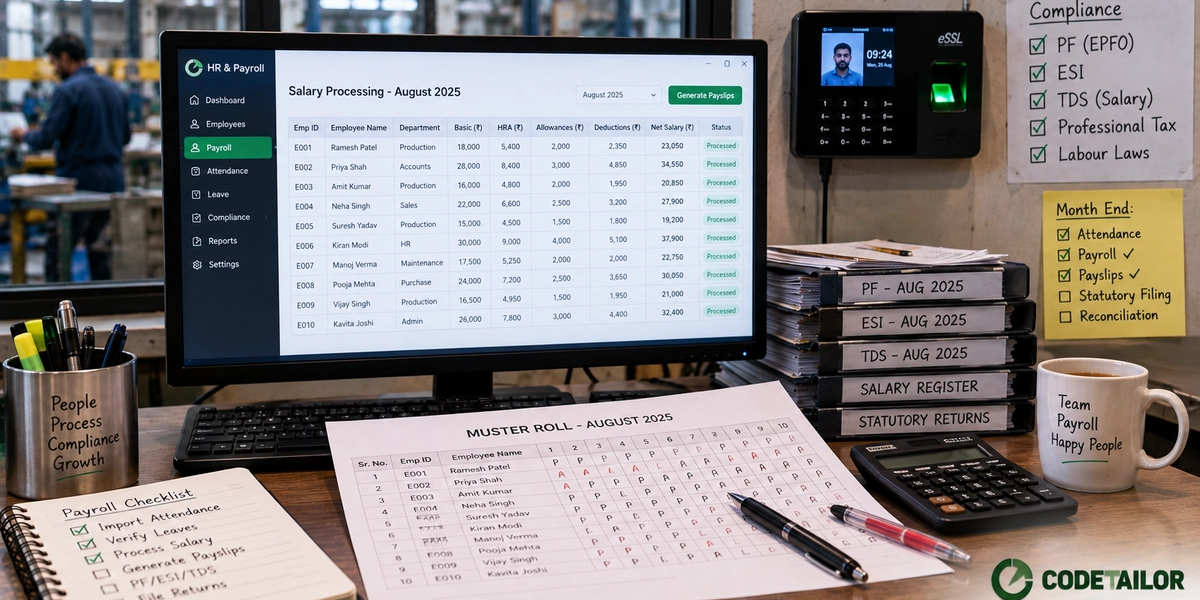
6. Attendance retyped into payroll. A device export, a register, and someone reconciling them before salary processing. Both a time cost and the largest source of payroll errors.
7. Status questions answered by asking someone. "Has that been dispatched?" "Did the payment come in?" Each one is a small interruption to two people. If the answer exists in a system but nobody can see it without asking, that is a visibility problem, and it is often solved with a screen rather than an automation.
Fix the process first
The most common expensive mistake in this whole area is automating a step that should not exist.
Plenty of manual checks exist because of a problem from years ago that no longer occurs. Plenty of duplicate entry exists because two departments did not trust each other's numbers once. Automating those steps makes them permanent and dresses them up as progress.
Before building anything, ask of each step: what breaks if we simply stop doing this? Sometimes the answer is nothing, and that is the cheapest automation available.
One at a time, in production
The failure pattern is a six-month programme covering every department, designed before anything has been tested.
The pattern that works is duller: automate the single most expensive step, put it in front of the people who do the work, and leave it running for a month before starting the next one.
Two reasons. You find out early whether the estimate of the saving was real, and staff see something finished rather than a plan. Nothing generates cooperation like a colleague saying the new thing saved them an hour.
Measure the thing you claimed
Before: how many times a week, how many minutes, how often it goes wrong.
After, four weeks later: the same three numbers.
If the time has not dropped, something is wrong and it is worth finding out what before automating anything else. Usually it is that people are still doing the old step alongside the new one, either because they do not trust it yet or because it covers a case the new system does not.
That is useful information. It is also information you never get from a programme that measures completion instead of effect.
What to do next
Follow one document through your business this week and write down every duplicate entry, every wait, every manual check. That list is worth more than any tool comparison.
If a few items on it have no obvious fix with what you already own, send us the list.
Often the answer is a small connector between two systems rather than anything new. More on the automation work we do.