The advice does not fit the team
Search for design systems and you find material written by companies with a dedicated design team, several products and a full-time person maintaining a component library.
If you are three people building one product, that advice is not wrong so much as irrelevant. It describes a solution to a problem of scale you do not have, and following it produces a large artefact nobody has time to maintain.
There is a smaller version that is genuinely worth having, and there is a point below which even that is a waste. Both are worth knowing.
The problem it actually solves
Not beauty. Drift.
The tenth screen gets built two months after the first, by someone else, in a hurry. They copy an existing screen that is close enough and adjust it. Small differences creep in — a button that is a slightly different green, a card with different padding, a heading one size larger.
No single instance is wrong. Together they are why the product looks like it was assembled rather than designed, and why every new screen takes longer than it should as someone works out which previous screen to copy.
A design system is just the decision to write those choices down once so nobody re-decides them.
The version worth having
Four things. Not a library, not a documentation site. Four decisions, recorded somewhere both designer and developer look.
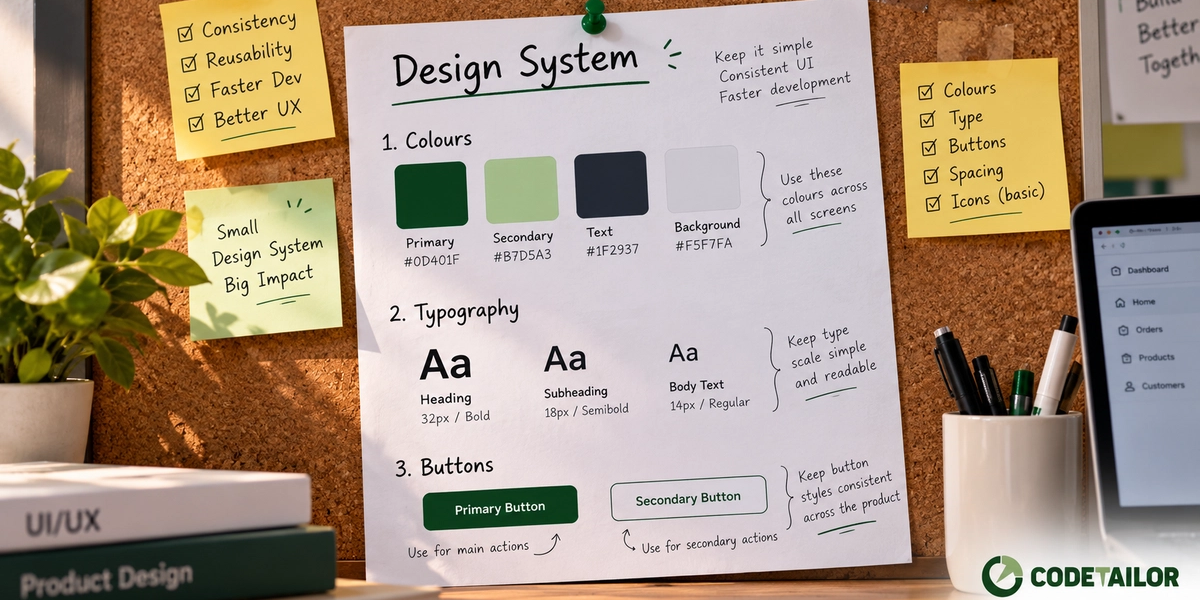
1. Colours, with names and jobs. Not a palette of thirty. A handful, each with a defined role: the page background, text, the action colour, borders, an error state. The naming matters more than the count — when a colour is called "primary" rather than "green", changing it later is one edit rather than a search across the codebase.
Include the rule for how they are used. A brand colour that means "this is clickable" stops meaning anything the moment it is also used for decorative backgrounds.
2. A type scale. Three to five sizes for the whole product. Every additional size is another decision someone has to make, and the differences between eight sizes are too small to be meaningful anyway.
3. Spacing steps. The most underrated of the four. Pick a set — 4, 8, 12, 16, 24, 32 — and use only those. Inconsistent gaps are the single biggest reason an interface looks unfinished, and they are the hardest to notice individually.
4. The components that repeat. Buttons, form fields, cards, tables. Agree what they look like and what their variants are, once. If a fifth variant is needed, that is a decision worth making deliberately rather than by improvisation.
That is the whole thing. It can live in one page of a design file and a set of CSS variables. It should take an afternoon, not a quarter.
When even that is too much
- Fewer than about ten screens, one person building. Consistency comes from the single builder. Writing it down formally adds process without removing a problem.
- A one-off marketing site. It ships and changes rarely. Drift needs time to happen.
- A prototype you expect to throw away. Standardising something you plan to discard is a category error.
The signal that it is time is specific: someone asks "which blue do we use here?", or a new screen takes longer than it should because nobody is sure which existing screen to copy.
Start from something maintained
For most business software, the fastest route is not designing components from scratch. It is taking a maintained component library and adjusting it to your colours, type and spacing.
You inherit years of work on accessibility, keyboard handling, focus states and the awkward edge cases nobody remembers to build — a dropdown that closes correctly, a modal that traps focus, a form field that announces its error to a screen reader.
Building those yourself is a lot of effort spent reaching parity with something free, and the parts that get skipped are invariably the accessibility ones, because they are invisible until someone who needs them arrives.
Adjusting tokens on a good library gets you most of the benefit for a small fraction of the work.
The way it actually fails
Not by being too small. By being built once and then abandoned.
Six months later the code has moved on, three components have variants that are not documented, and someone new opens the design file, finds it does not match the product, and stops trusting it. From that point the system is a historical document and everyone is back to copying screens.
Two things prevent it:
Keep it small enough to maintain. A one-page system that is accurate beats a comprehensive one that is six months stale. Every entry is a maintenance obligation.
Make updating it part of the change. If a new component is added, it goes in the system as part of that work, not as a cleanup task later. Cleanup tasks do not happen.
One warning about consistency
Consistency is a means, not a goal. There are places where a screen should break the pattern — a destructive action that should feel different, an empty state that should feel welcoming, a step in a flow that deserves emphasis.
A system that forbids that produces software that is uniform and slightly lifeless. The point is that breaking the pattern should be a decision someone made, not an accident of who built that screen on which day.
What to do next
Open your product and look at three screens built at different times. Compare the button colours, the gaps between elements, and the heading sizes.
If they match, you do not need a design system yet. If they nearly match — which is the usual answer, and the most annoying one — spend an afternoon writing down the four things above before the difference gets any wider.
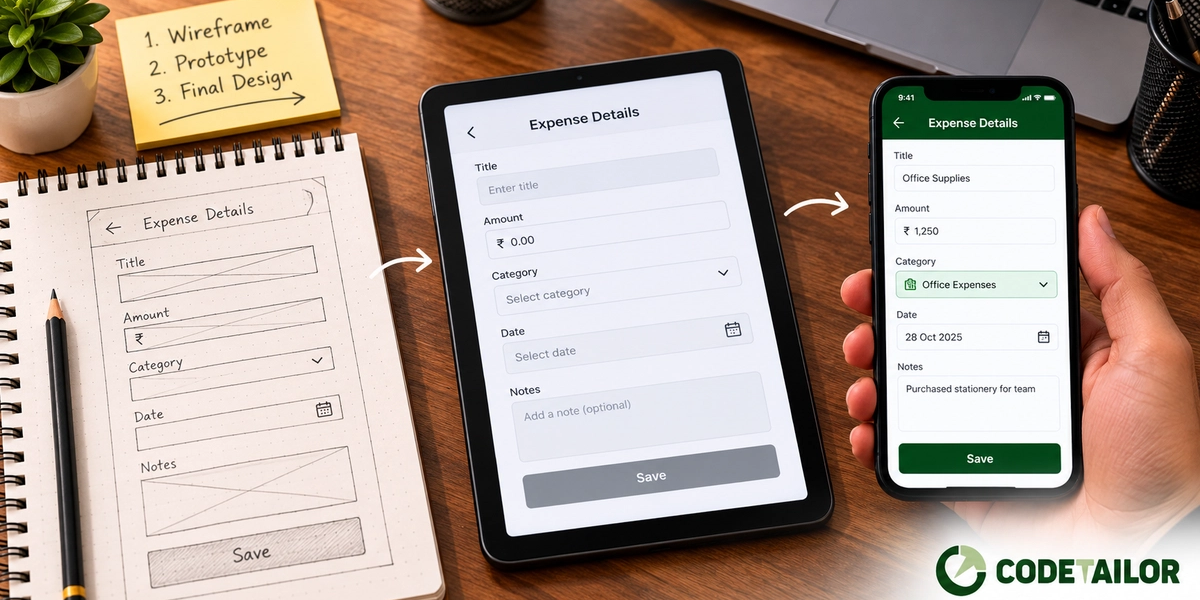
More on interface design. If you are earlier than this and still deciding how the product should work, the stages post covers what comes first — and if the screens are consistent but people still get stuck on them, consistency was not the problem, and watching five people use it will tell you what is.